.svg)
The WordPress Plugin Checklist Nobody Follows Before Launch
 By Infinitie Technologies2 min read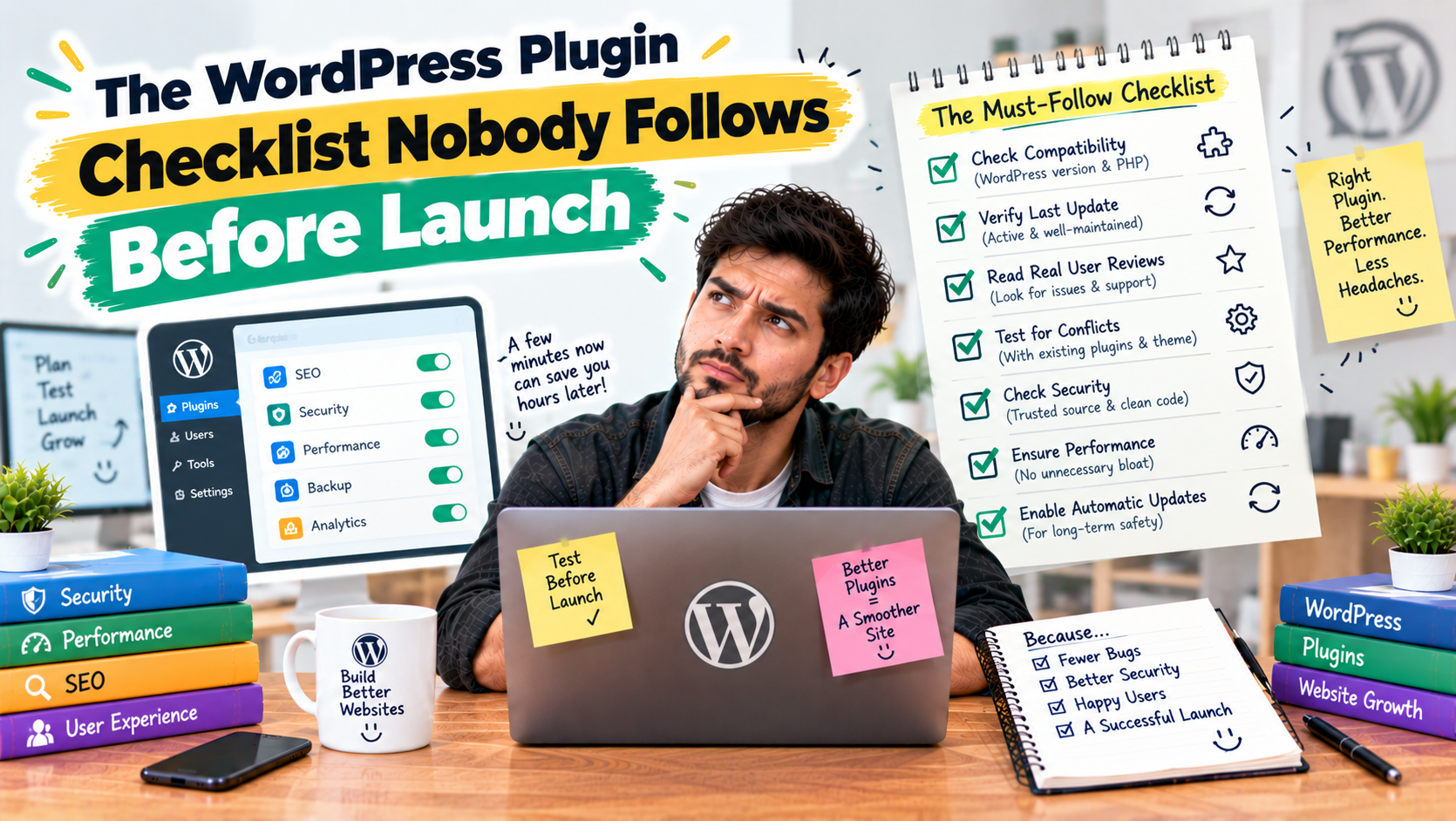
Most WordPress launch checklists cover design and content, not the backend basics that decide how the site actually performs. Here's what gets skipped, and why media handling belongs at the top of the list.
The WordPress Plugin Checklist Nobody Follows Before Launch
Most WordPress launch checklists focus on what's visible — the design, the content, the forms working correctly. The backend basics that actually determine how the site performs once real traffic and real media start piling up rarely make the list at all.
What gets skipped before launch
Nobody plans for the media library growing past a few hundred images. Nobody sets up a CDN until the site already feels slow. And backups usually get added only after something has already gone wrong once. Each of these is cheap to set up before launch and expensive to fix after.
Why media handling belongs at the top
Images and videos are usually the heaviest part of any WordPress site, and they're also the easiest piece to get right early. Offloading media to cloud storage and serving it through a CDN from day one means the site stays fast as content grows, instead of slowing down a little more with every upload.
This is exactly what WP SmartSync handles — offloading media assets to cloud storage and a CDN, so it's one less thing to retrofit after the site's already live and slowing down.
The takeaway
A launch checklist that only covers design and content is incomplete. Add media offloading and CDN setup before launch, not after the first complaint about site speed comes in.