.svg)
POS Reports Nobody Reads (And the Two That Actually Matter)
 By Infinitie Technologies2 min read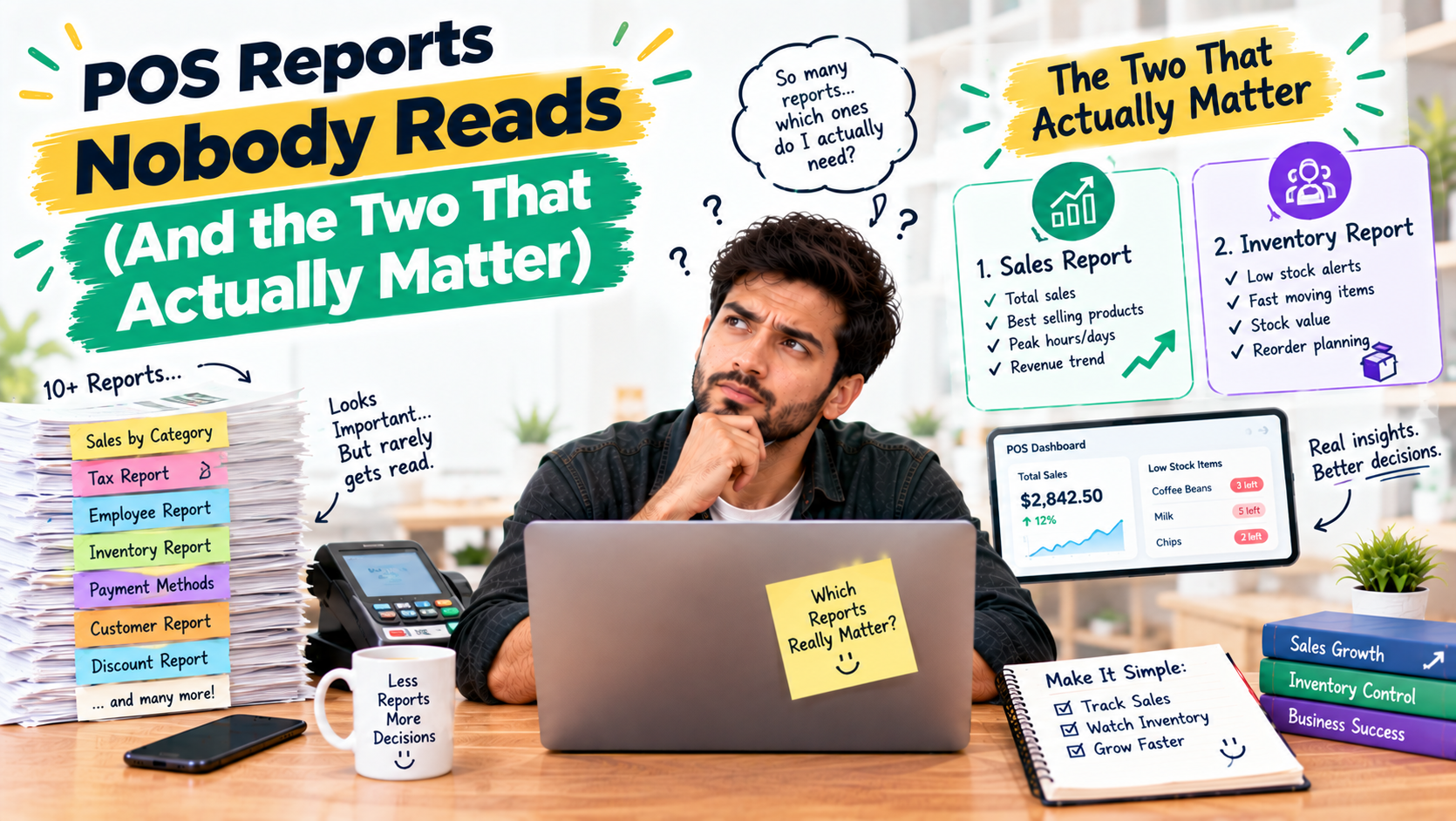
Most POS systems come with dozens of reports, and most owners never open them. Here are the two that actually help, low stock and profit by product, and why the rest can wait.
POS Reports Nobody Reads (And the Two That Actually Matter)
A good POS system comes with dozens of reports: sales by hour, by category, by cashier, by payment type. Most store owners open one or two, feel overwhelmed by the rest, and go back to guessing. The good news is you don't need all of them to run a smarter store.
Why most reports go unread
Too many numbers without a clear question behind them just create noise. A report only helps when it answers something you actually need to decide, like what to reorder this week or which products aren't earning their shelf space.
The two that actually matter
First, real-time low stock tracking and alerts. They tell you what's about to run out and what sells quickly, so you stop losing sales to empty shelves. Second, product-level sales and profit/loss analytics. They show what really makes you money after costs, which is often different from what sells the most.
Hyper POS includes both: real-time low stock tracking and alerts, plus product-level sales and profit/loss analytics through its Sales by Product and Profit & Loss modules. It's a point-of-sale, inventory, invoicing, and accounting system that works online and offline, so these numbers update automatically instead of waiting on a manual count.
The takeaway
You don't need to read every report. Start with stock and profit, check them weekly, and let the rest wait until you have a specific question they can answer.