.svg)
What Remote Teams Get Wrong About Tracking Hours (Beyond Screenshots)
 By Infinitie Technologies2 min read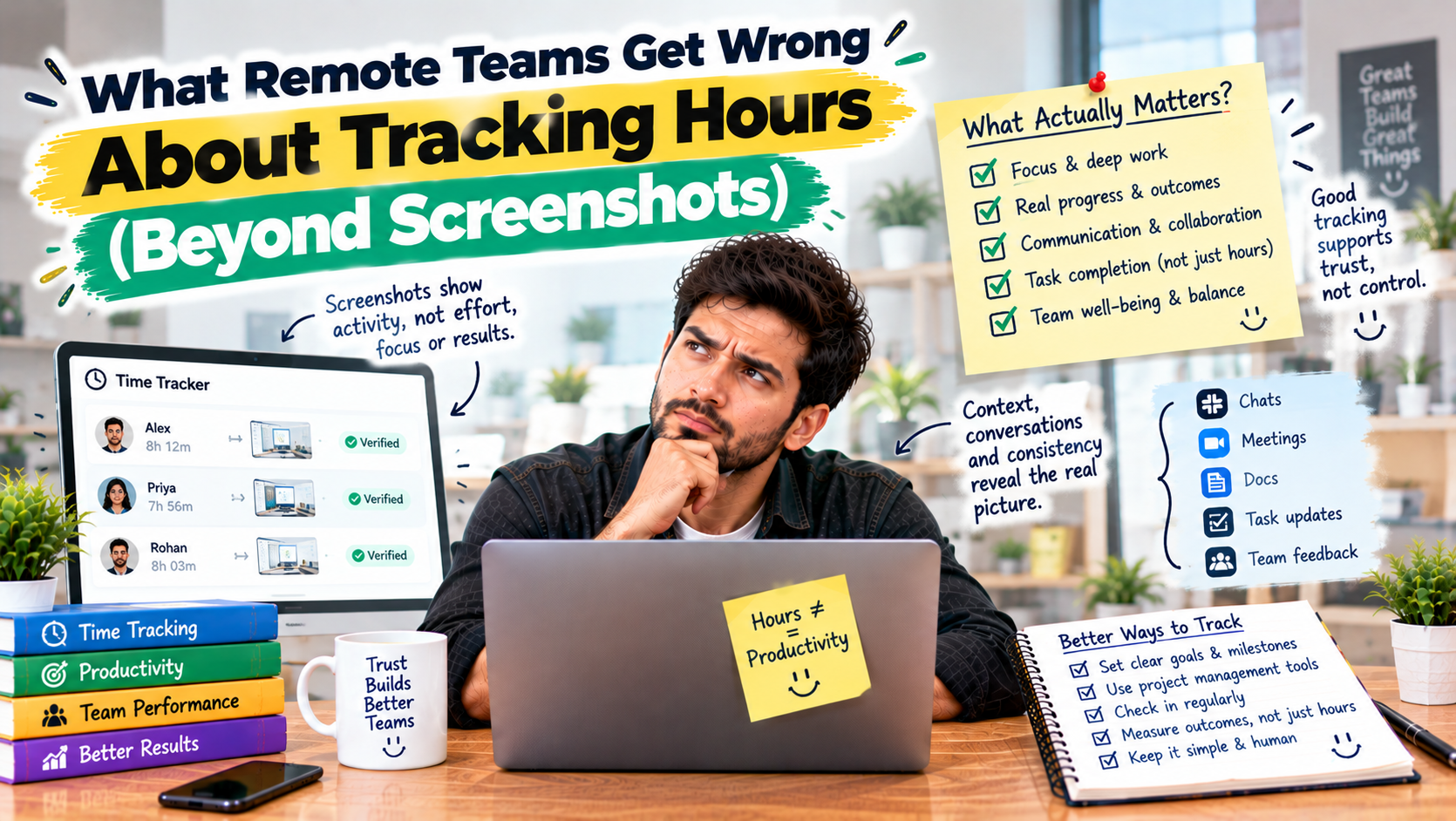
Screenshots show a single moment, not how a remote team actually works. Here’s why the full pattern of work, idle, and break time is more useful, and how to use it to plan better instead of policing.
What Remote Teams Get Wrong About Tracking Hours (Beyond Screenshots)
When teams first start tracking remote work, screenshots are usually the first thing they reach for. They feel concrete and easy to understand. But a screenshot only shows a single moment, and a single moment rarely tells you how someone actually spent their day.
Where the common approach falls short
A screenshot can't tell the difference between someone deep in thought and someone away from their desk. It also misses the bigger picture: how long someone was actively working, how much time went to breaks, and where the day really went. Focusing only on screenshots tends to feel like surveillance to the team, without giving managers the information they actually need.
What's actually worth measuring
The more useful picture comes from the full pattern of the day: work time, active time, idle time, and breaks. Together they show how a team really works, who's consistently stretched thin, and where a project's hours are going. Used well, that data helps with fair workload planning and accurate project estimates, not with watching people.
This is what the Employee Monitoring plugin for Taskify covers: work, active, idle, and break time tracking, with screenshots as one part of the picture instead of the whole thing, delivered through a desktop app plugin that sits alongside your tasks.
The takeaway
Screenshots show a moment. Time data shows a pattern. Teams that track the full picture, and use it to plan better rather than to police, get far more value out of it and keep trust intact.