.svg)
Why Your WordPress Site Is Slower Than It Should Be (And It's Probably Your Media)
 By Infinitie Technologies2 min read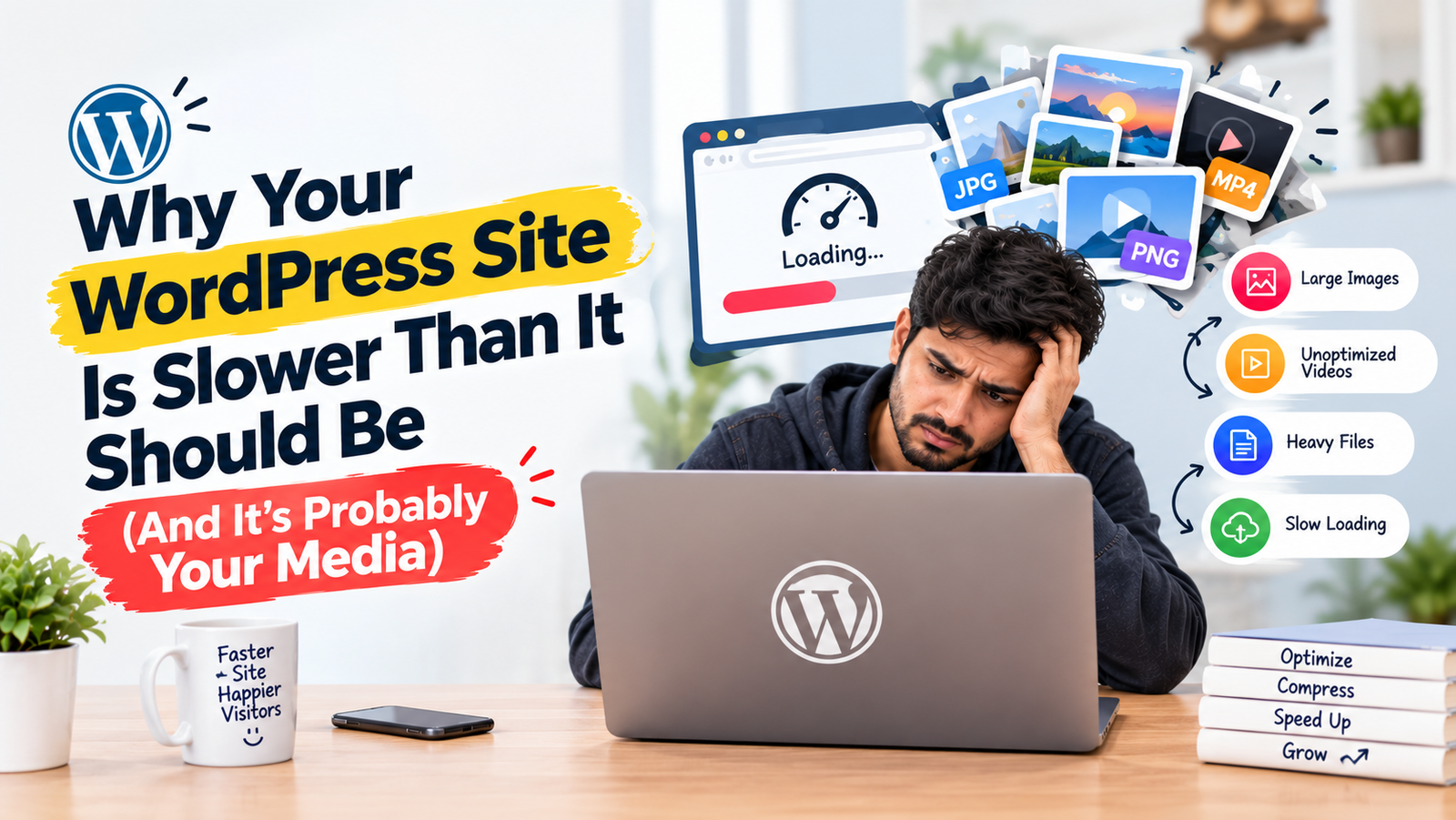
Slow WordPress sites usually aren't a plugin problem — they're a media problem. Here's why a growing media library quietly drags down site speed, and how offloading it to cloud storage and a CDN fixes things at the source
Why Your WordPress Site Is Slower Than It Should Be (And It's Probably Your Media)
Most site owners chase WordPress speed problems in the wrong place — deactivating plugins, switching themes, tweaking caching settings. Meanwhile, the real weight sitting on the server is usually the media library: years of images and videos, all still being served directly from your own hosting.
Why media is the real bottleneck
Every image on a self-hosted server has to be fetched from that one location, no matter where the visitor is or how far they are from it. As a media library grows, so does storage load and load time — and no amount of plugin cleanup fixes a server that's doing more work than it should.
What actually fixes it
Offloading media to cloud storage and serving it through a CDN solves the problem at the source. Images and videos load from servers close to the visitor instead of one central location, and your own hosting stops carrying weight it was never built to hold.
This is exactly what WP SmartSync is built for — a WordPress plugin that offloads your media assets to cloud storage and serves them through a CDN, without changing how you upload or manage content.
The takeaway
If your WordPress site feels slower every month, it's probably not the plugins — it's the media piling up underneath them. Offload it, and the rest of the site gets faster without touching a single line of theme code.